
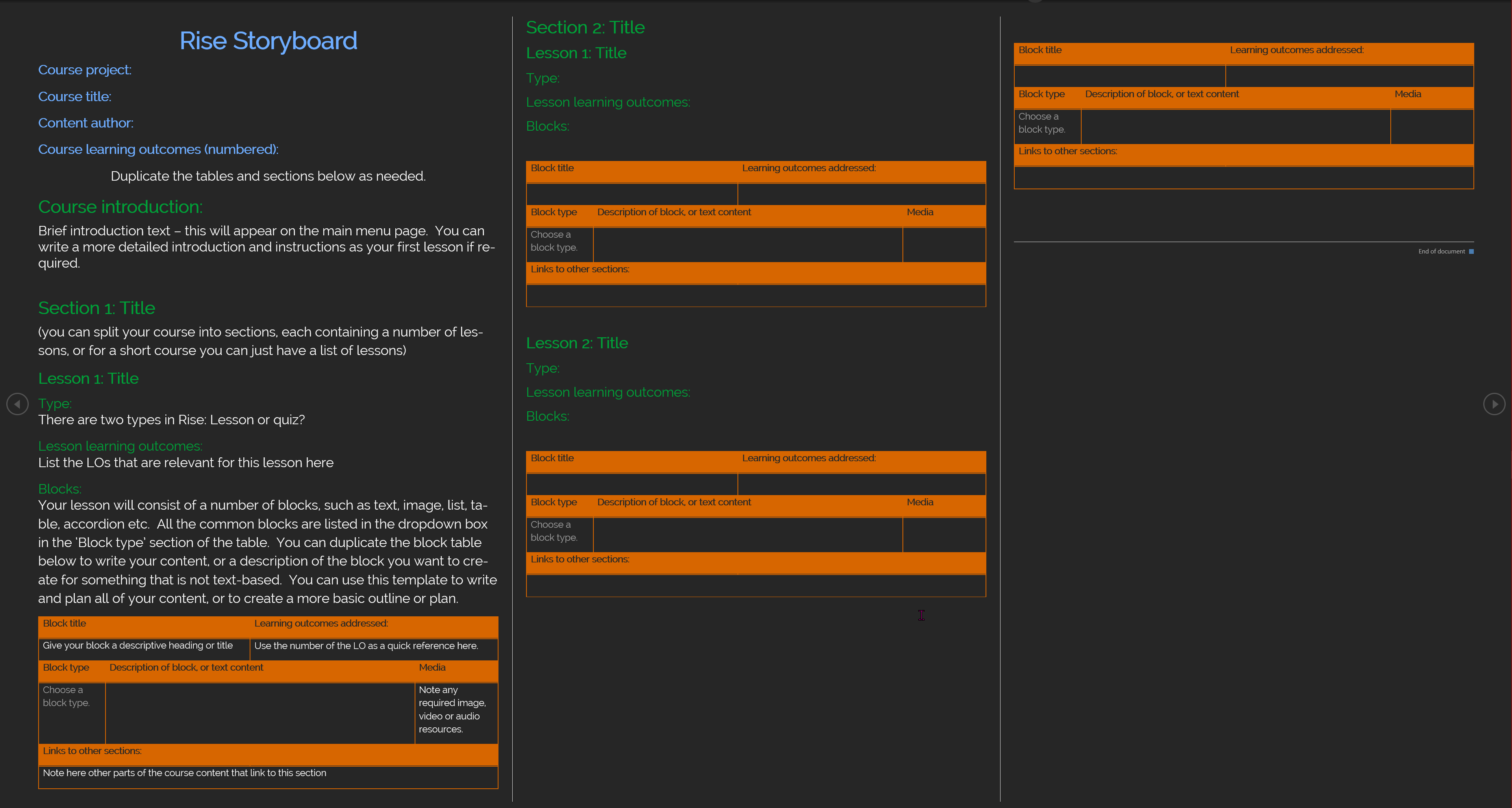
I developed these templates as a flexible and consistent way of planning out Articulate Storyline and Rise courses/interactive materials.
They are Word-based, making them ideal for use with project partners with a standard level of IT experience, and are easy to collaborate on using Microsoft 365 tools such as Word, Sharepoint and MS Teams. Some teaching and subject specialists who lack confidence in IT can find this process daunting, in which case I get them started by building out a framework with the content we have to hand – I have then been able to work collaboratively with them to further develop and expand the document.
Each template uses a standard format, with space for basic project details, learning outcomes and then the interaction or course plan. The content is mapped in repeated table blocks which specify things like the learning outcomes addressed, the slide or block content, activity description, terms to define and media needs. The document forms the main source of truth for the overall content of the learning material, with other tools such as content maps being used alongside to provide easy to read overviews. Due to the tabular nature of the document, it is best viewed and edited in Word’s ‘web layout’ to view as a free-flowing document rather than as pages in ‘print layout’.
The Rise template has a dropdown for selecting the type of Rise block to be used for that piece of content. This serves to both encourage users to think in terms of the blocks available, and to remember what is possible with this tool.